
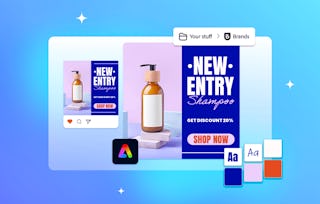
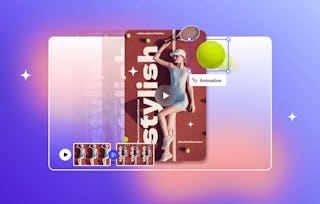
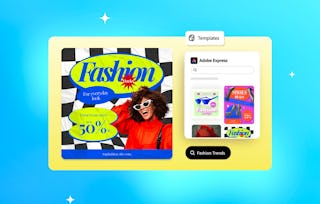
Ready to give your social media a boost? In this short, hands-on course, you’ll use Adobe Express to plan and schedule posts, write captions that capture attention, and tailor content for different platforms. Through quick, practical activities, you’ll explore how to create consistent, engaging, and on-brand content with the help of AI tools and creative templates. Perfect for anyone looking to refresh their profile and start building a stronger, more cohesive online presence.

Take Your Profile to the Next Level with Adobe Express

Gain insight into a topic and learn the fundamentals.
Beginner level
Recommended experience
3 hours to complete
Flexible schedule
Learn at your own pace
What you'll learn
Plan and schedule social media posts using Adobe Express to stay consistent and organized.
Write engaging, on-brand captions that capture attention and reflect your voice with the help of AI-driven tools.
Adapt your designs for multiple platforms with Adobe Express to keep your look and message consistent.
Skills you'll gain
Tools you'll learn
Details to know

Shareable certificate
Add to your LinkedIn profile
Assessments
4 assignments
Taught in English
91% of learners achieved a positive career outcome
See how employees at top companies are mastering in-demand skills


Explore more from Entrepreneurship

Why people choose Coursera for their career

Felipe M.
Learner since 2018
"To be able to take courses at my own pace and rhythm has been an amazing experience. I can learn whenever it fits my schedule and mood."

Jennifer J.
Learner since 2020
"I directly applied the concepts and skills I learned from my courses to an exciting new project at work."

Larry W.
Learner since 2021
"When I need courses on topics that my university doesn't offer, Coursera is one of the best places to go."

Chaitanya A.
"Learning isn't just about being better at your job: it's so much more than that. Coursera allows me to learn without limits."
Advance your career with an online degree
Earn a degree from world-class universities - 100% online



